Advertisement
Click to download now, finish the installation quickly, and directly unlock the all-round experience
Advertisement
Screenshots
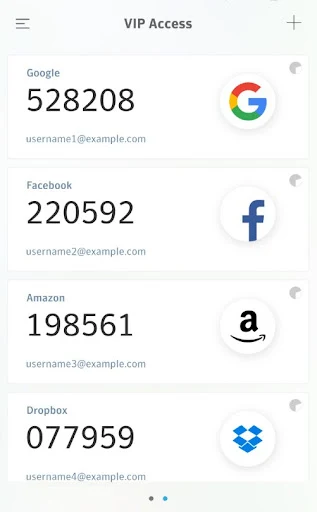
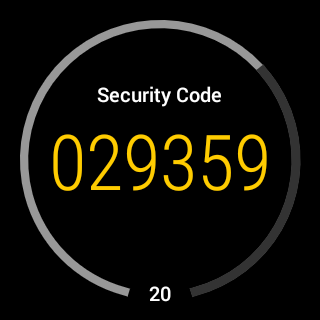
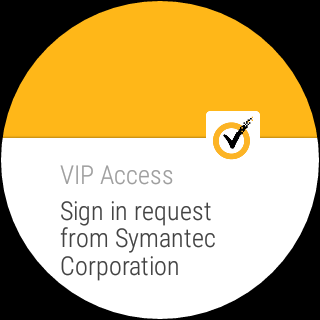

Click to download now, finish the installation quickly, and directly unlock the all-round experience
VIP Access is an authenticator for people whose workplace, bank, or other online service uses the VIP network. It adds a check to sign-in: you may enter a code from the app alongside your password, or respond to an authentication request. It does not secure every account automatically; the service you are signing into must support VIP Access.
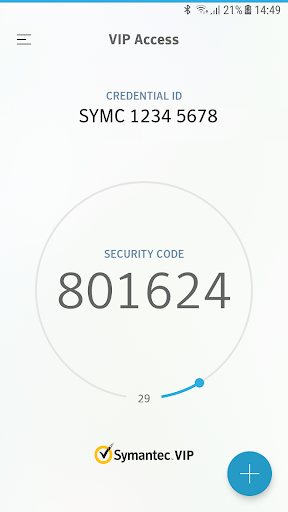
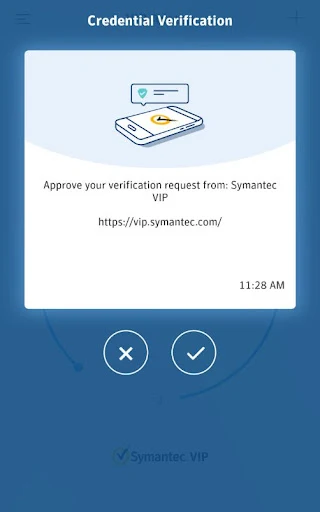
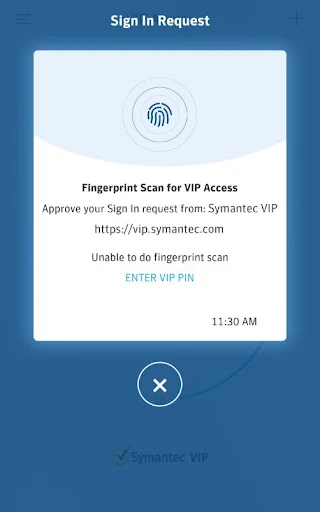
For services that let you enroll with a QR code, you can scan it in VIP Access and use the resulting changing security code when you log in. Codes refresh every 30 seconds, and the app can generate them without a network or mobile connection. Depending on the organization’s setup, you might instead approve a push request, enter a challenge number, or confirm using a device authentication method such as a fingerprint or PIN.
The participating organization decides which sign-in method it accepts, so the app’s options may not all be available for every account. You need to set up VIP Access with a supported service before its codes or prompts can help you sign in. The app can also create a QR code to move a VIP credential to another device. Wear OS watches are supported, though that matters only if you use one.
This is a practical choice if an organization you already use specifically asks for VIP Access. If your accounts rely on a different authenticator or do not support the VIP network, installing it alone will not add a second sign-in step. The listing shows 10,000,000+ installs and a 3.39 rating from 18,962 reviews. It is published by Symantec VIP, Broadcom Inc.