
Advertisement
Click to download now, finish the installation quickly, and directly unlock the all-round experience
Advertisement
Screenshots
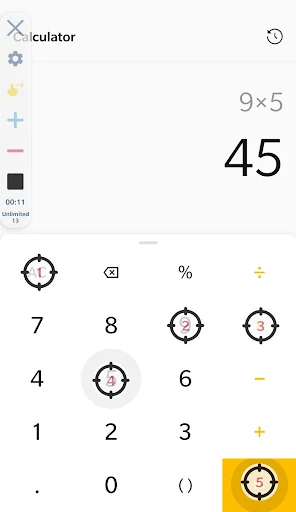
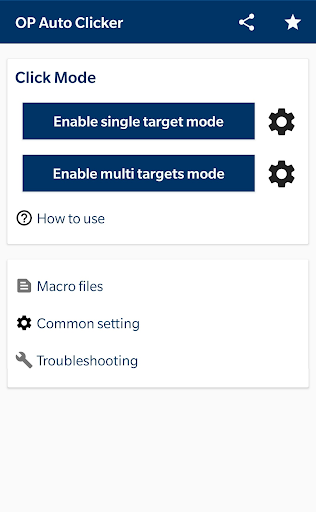
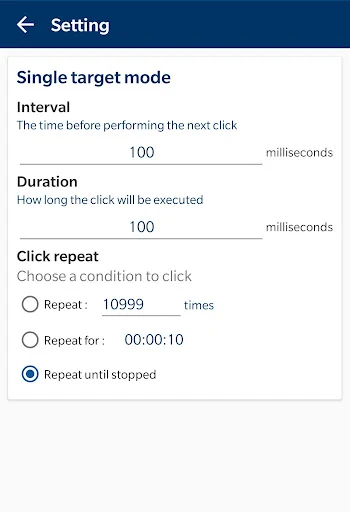
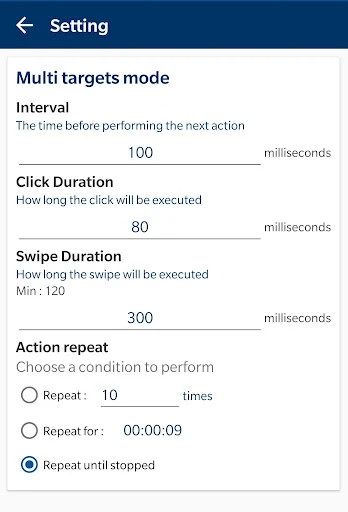
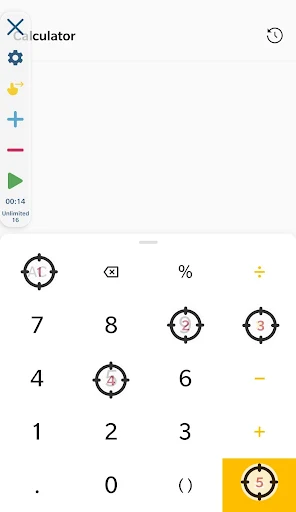
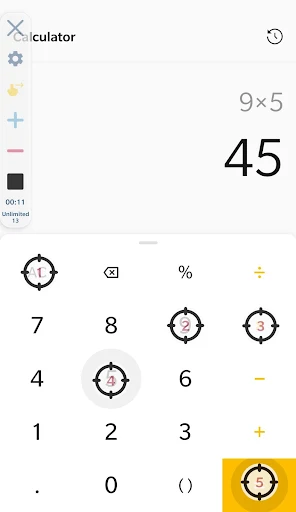
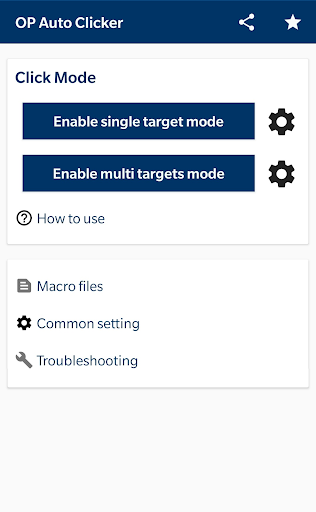
Click to download now, finish the installation quickly, and directly unlock the all-round experience
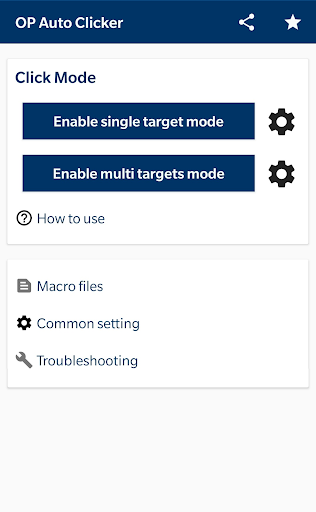
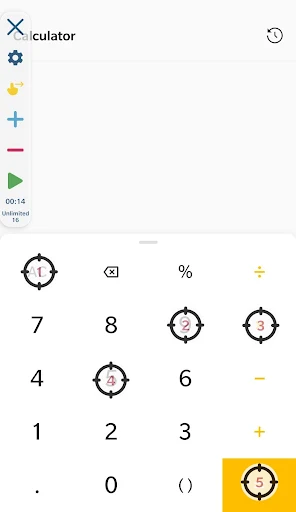
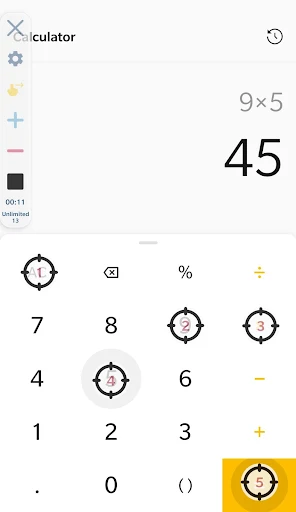
OP Auto Clicker - Auto Tap automates touch input on your Android device. You can set it to repeat taps at one point or work with several points, and configure sequences that include swipes. It suits people who need the same screen actions repeated, rather than anyone looking for a general-purpose phone tool.
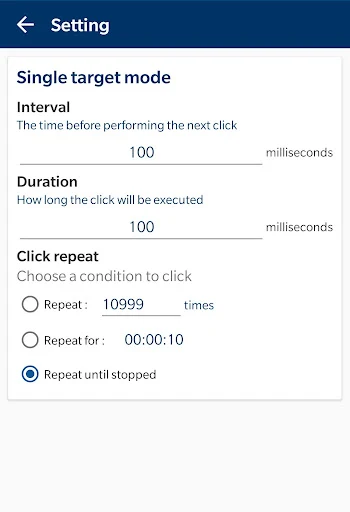
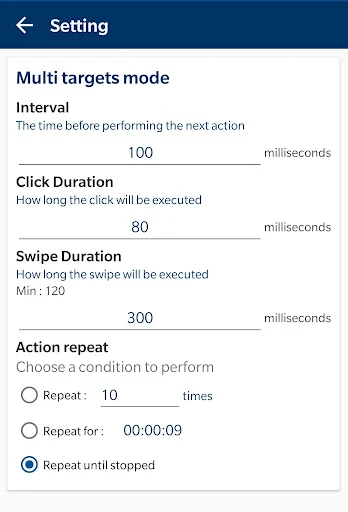
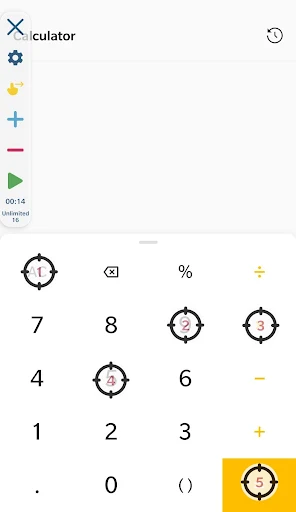
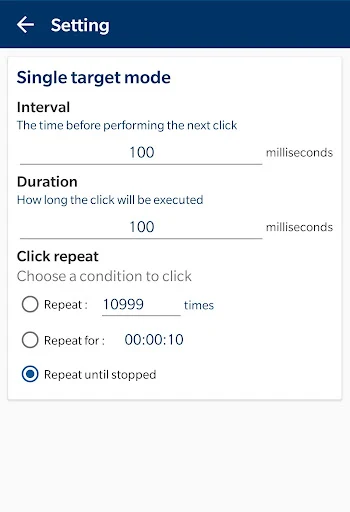
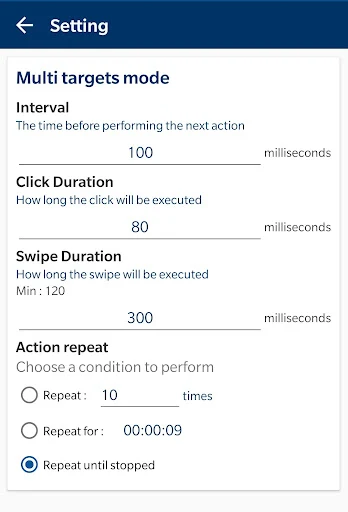
The controls let you choose how long to wait between taps, how long each touch lasts, and how many times an action repeats. You can also set a run by duration. For sequences you want to use again, the app supports saving and loading scripts. The on-screen control panel can be resized and made more or less transparent, so it takes up less of the display while you use it.
Automatic taps and swipes rely on Android’s Accessibility Service, so you need to grant that access for the app to perform them. The listing says it works on Android 7.0 or later and does not require root access. Since it can act on the screen for you, take care when choosing the points and actions in a sequence; the result depends on the setup you give it.
Developer mouse tool lists this under Tools. It has a 4.3-star rating from about 14,655 ratings and more than 5 million installs. Those numbers suggest it has found a broad audience, but they do not tell you whether its controls will suit your particular task. The main question is whether you need repeatable taps or swipes, and are comfortable granting the accessibility access they require.