Advertisement
Click to download now, finish the installation quickly, and directly unlock the all-round experience
Advertisement
Screenshots
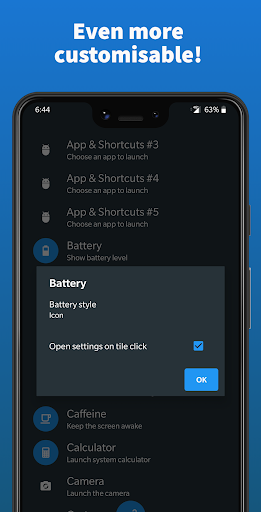
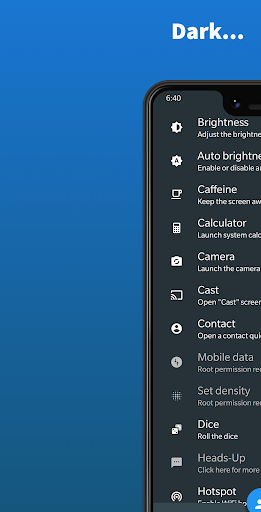
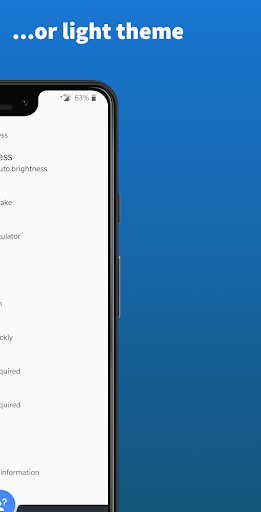
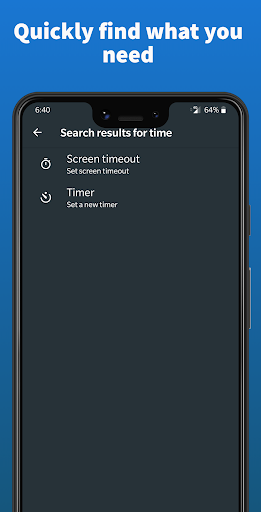
Click to download now, finish the installation quickly, and directly unlock the all-round experience
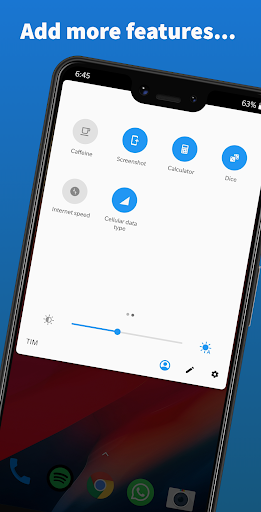
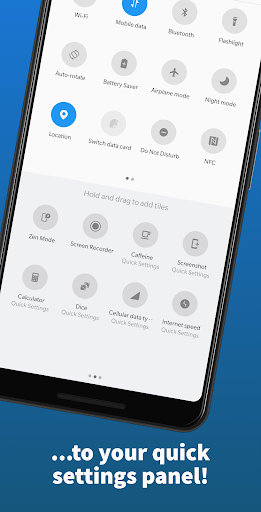
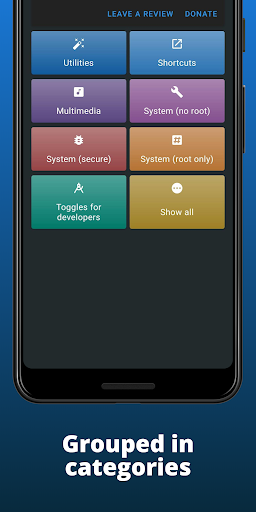
Quick Settings adds extra tiles to Android’s Quick Settings panel, so you can reach selected tools without opening their apps. The options include shortcuts for apps and contacts, a calculator, camera, timer, screen lock, brightness, rotation, volume, battery information and other system controls. It suits people who use the panel often and want to choose what appears there; it is less useful if you only need Android’s built-in toggles.
Tiles need to be added to the panel before you can arrange or remove them. If the new options do not appear, the app’s guidance is to add its available Quick Settings tiles first, then remove the ones you do not want. Some functions may need an extra permission granted from a computer using ADB. The listing says this can be done without root, but it is still a technical step rather than a normal in-app setting.
Compatibility depends on the Android software supplied by the phone maker. The app does not work on Chinese ROMs that lack Android’s TileService support; the developer says this needs to be provided by the manufacturer. MIUI requires version 10 or later. The screen-lock tile also needs special permissions: Device Administrator and Accessibility access are used for that action when enabled and explicitly requested. If you do not use screen lock, those permissions are not needed for that feature.
Quick Settings is a personalization app by Simone Sestito. Its rating is about 4.23 from 15,485 ratings, with more than 1,000,000 installs. Those figures suggest a well-used tool, but they do not guarantee that every tile will work on every phone. The main trade-off is breadth of shortcuts in exchange for checking compatibility and, for some controls, doing extra setup.