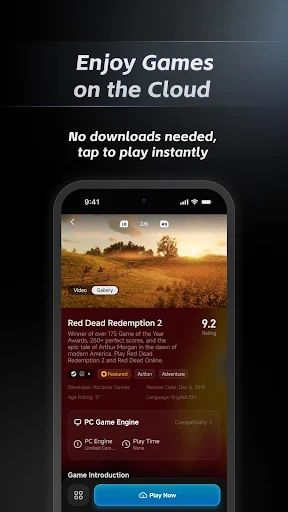
What GameHub does
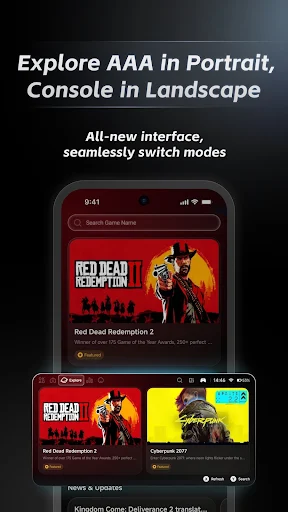
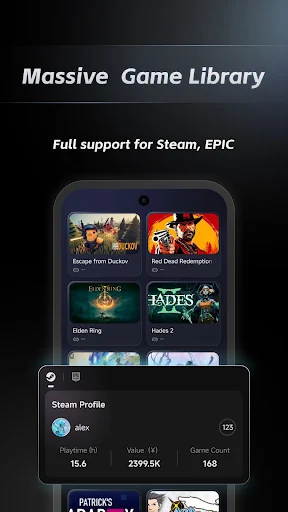
GameHub is an entertainment app for people who want one place to browse games and access several kinds of play. Its listing includes a leaderboard for trending games, cloud gaming, a retro-game library and tools for checking and managing controller connections. Browsing is designed for portrait orientation; gameplay can use landscape orientation.
That makes it a possible fit if you like exploring game choices on your phone, want to try cloud titles, or already have files for building a retro library. It is not just a list of game recommendations: the advertised experience also depends on playing through the app and, for retro games, importing base files.
What to expect from the features
The cloud-gaming pitch is that you can play titles without downloading them. That describes the intended route into those games, but the supplied details do not say which titles are available, whether access has conditions, or how consistently they run. Check the options shown in the app before relying on it for a particular game.
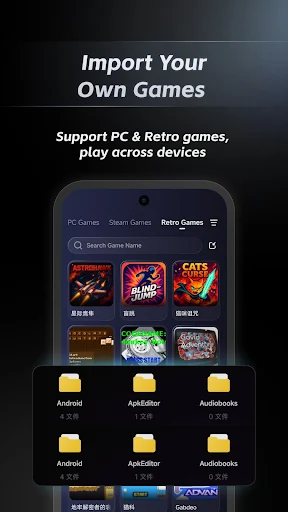
The retro section is similarly specific: you can import base files to build a library. It is not described as a ready-made collection of classics. Controller diagnostics and management may help if you use a compatible controller, though the listing does not spell out supported models.
Popularity and ratings
GameHub has more than 5 million installs and 17,081 ratings, with an average score of 3.43. Those figures suggest it has reached a large audience, but the rating is mixed rather than an endorsement from every player. They do not establish that a particular cloud game, controller or retro setup will work well for you.
Bottom line
Consider GameHub if you want a single app for game discovery, cloud play and a retro library you assemble yourself. If you only want a straightforward catalogue of games, or expect every feature to work without setup, its broader pitch may not match what you need. The practical value depends on the titles and tools available to you inside the app.