AirScreen - AirPlay & Cast
Ionitech
Downloads
10,000,000+
Source
Google Play
Advertisement
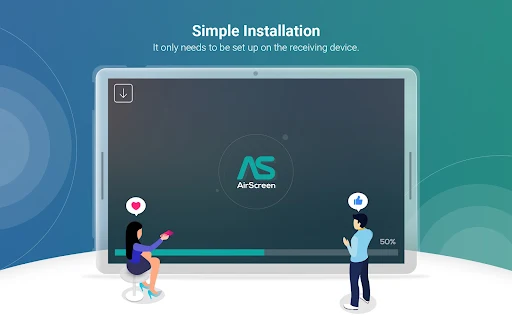
Click to download now, finish the installation quickly, and directly unlock the all-round experience
Advertisement
Screenshots
Click to download now, finish the installation quickly, and directly unlock the all-round experience
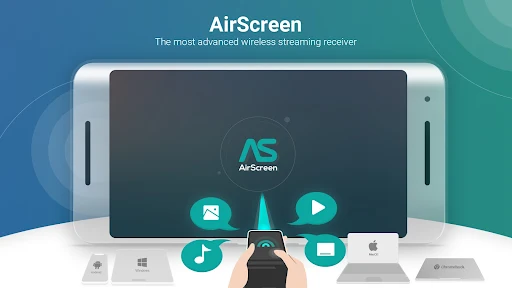
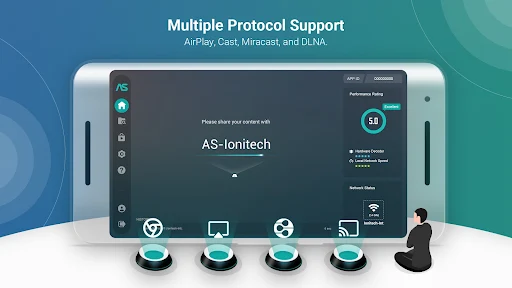
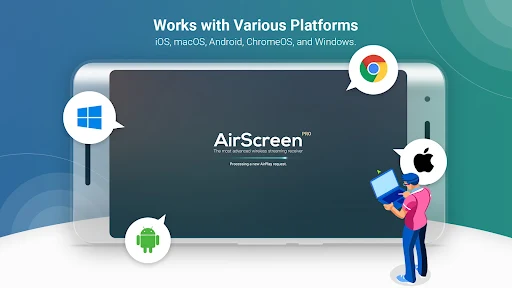
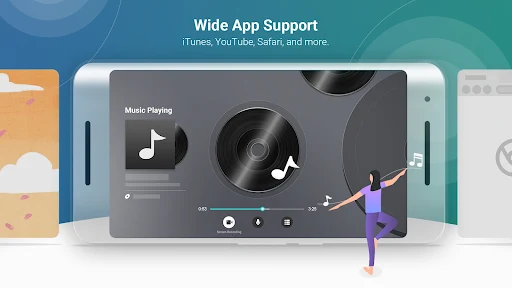
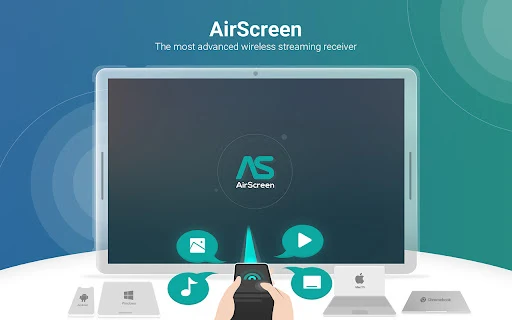
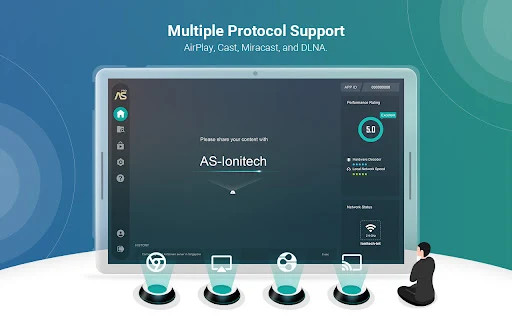
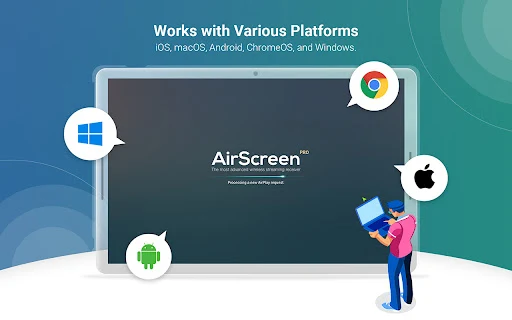
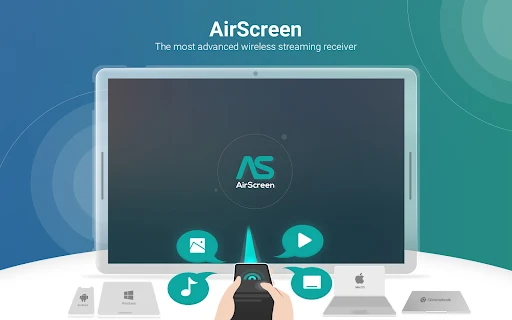
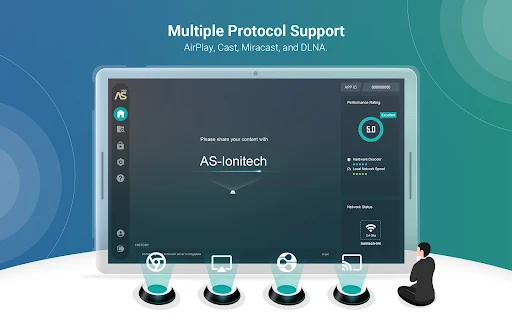
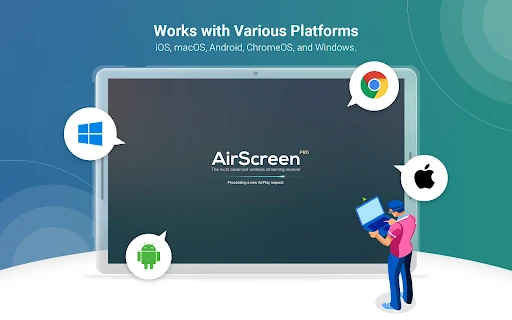
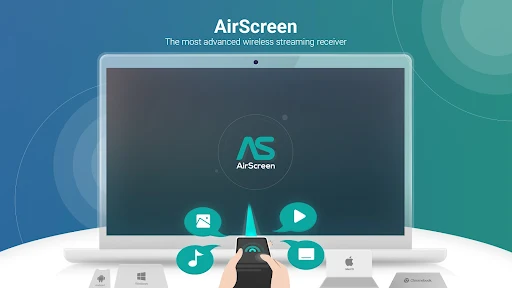
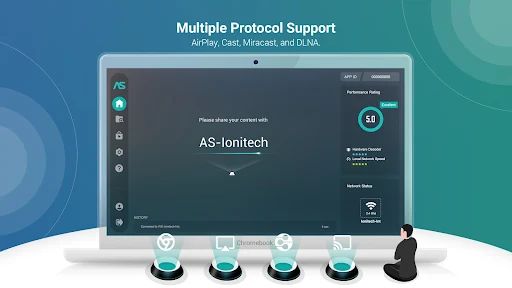
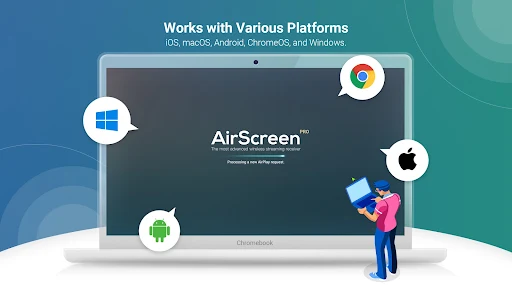
AirScreen turns the device it runs on into a wireless receiver for media sent from another device. It supports AirPlay, Cast and DLNA, so it may suit a household that wants to send videos, music or other content to one receiving screen from different kinds of devices. The sender does not need AirScreen installed.
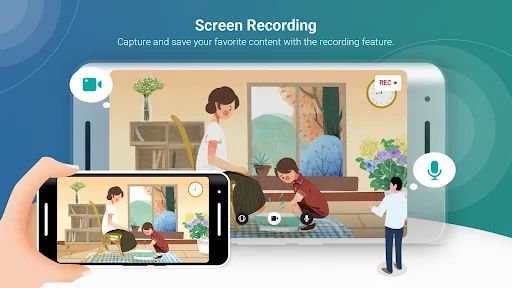
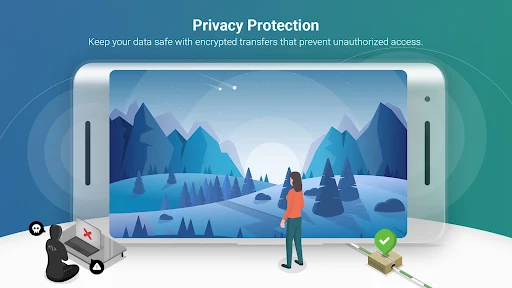
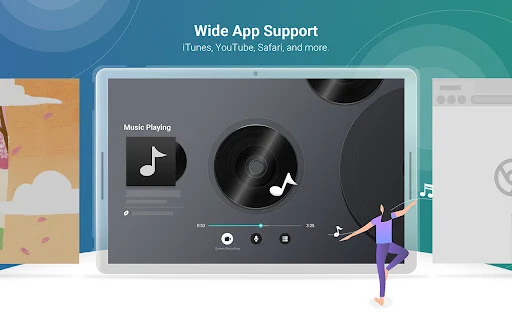
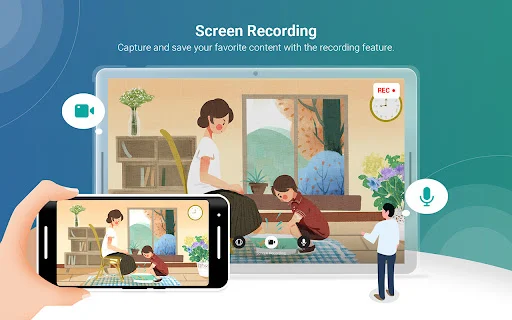
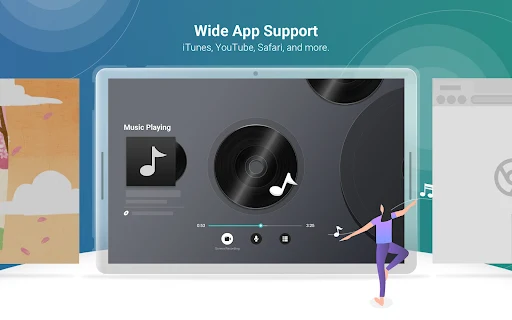
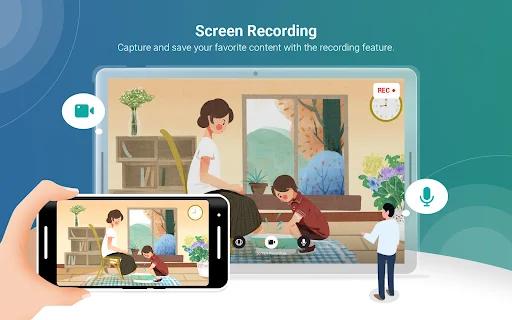
The app is meant to receive media and screen content, including from services such as YouTube, and can record content through its built-in recording feature. The listing also mentions 4K playback support, hardware acceleration and encrypted transfers. These are capabilities claimed for the app, not a guarantee that every sender, receiving device or piece of content will work in the same way.
AirScreen lists Miracast support, but notes that Miracast has been disabled since Android 8.0. That makes the protocol list less universal than it first appears. The developer also warns that some Android phones, tablets and Android TV models may not be fully supported, so compatibility can depend on the specific devices involved. If a setup is unreliable, this may not be a simple plug-and-play solution.
Ionitech’s app has 10,000,000+ installs, but its 2.25 rating across 21,350 ratings is a reason to keep expectations measured. Those figures do not explain individual problems, but they suggest that broad use has not translated into consistently strong user feedback. AirScreen makes sense if you need a receiver for a particular device pair and can test whether they cooperate; it is less compelling if you expect every listed casting method to work on every screen.