AirDroid Cast-screen mirroring
SAND STUDIO
Downloads
5,000,000+
Source
Google Play
Advertisement
Click to download now, finish the installation quickly, and directly unlock the all-round experience
Advertisement
Screenshots
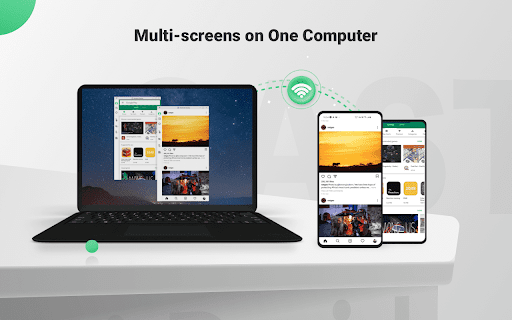
Click to download now, finish the installation quickly, and directly unlock the all-round experience
AirDroid Cast sends an Android phone or tablet’s screen to a Windows or macOS computer. It is aimed at people who need to show what is on a mobile device during a presentation or meeting, or view it on a larger display. This is not a standalone screen viewer: the computer needs AirDroid Cast too.
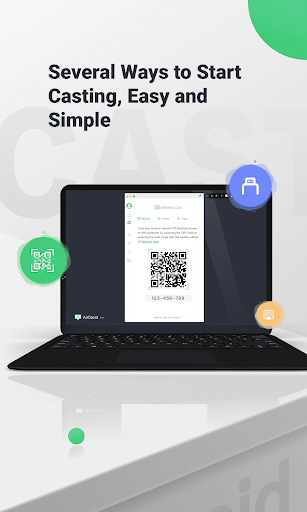
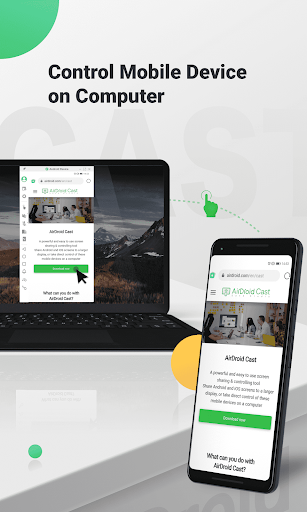
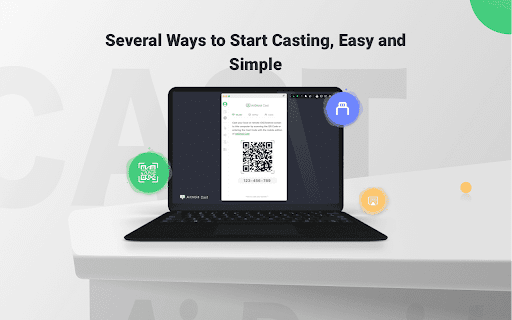
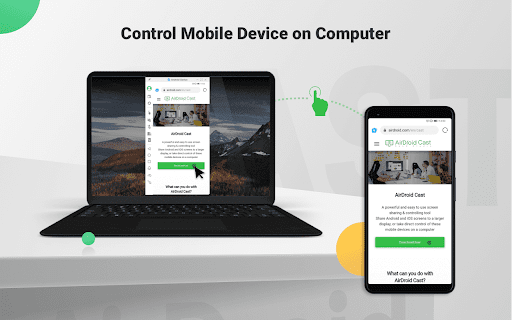
You can start a cast by scanning a QR code, entering a cast code, or connecting with a USB cable. The app can also send microphone audio, and its two-way audio feature is intended for conversations during a cast. With the computer setup, you can click, scroll and type on the connected mobile device from the computer.
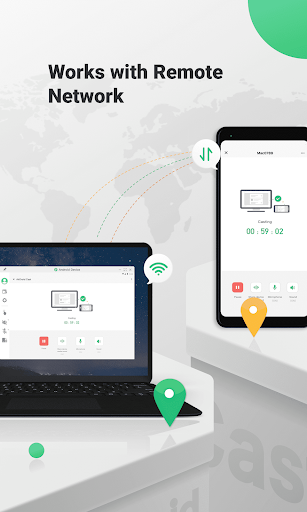
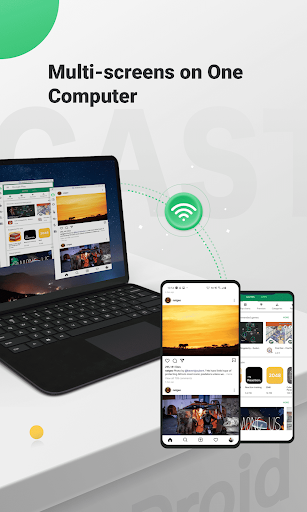
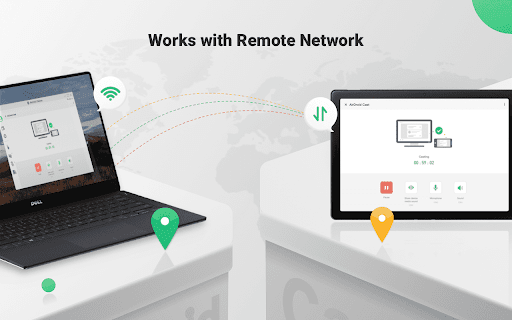
AirDroid Cast can show up to five devices on one computer at once. Casting over a local network is supported; using a remote network requires Premium, according to the app’s feature information. That distinction matters if you expect to present from different locations rather than from devices on the same network.
This is most useful if you regularly demonstrate a mobile app, share a phone screen in a remote meeting, or want to operate a mobile device from a computer. If you only need to mirror a screen occasionally, check that you have access to a compatible Windows or Mac computer and are comfortable setting up its companion software. Some of the advertised uses depend on that second device, and remote-network casting is not included in the local-network setup.
Published by SAND STUDIO in the Tools category, AirDroid Cast has a store rating of about 4.04 from 18,915 ratings and more than 5 million installs. Those figures show broad use, but they do not tell you whether the computer connection or any Premium-dependent features fit your particular setup.