Advertisement
Click to download now, finish the installation quickly, and directly unlock the all-round experience
Advertisement
Screenshots
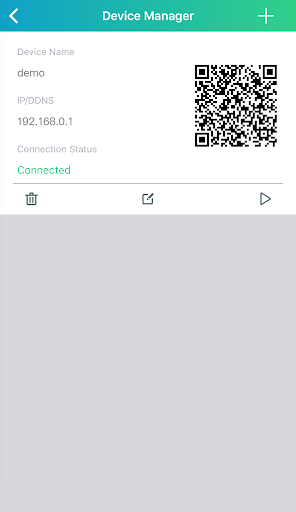
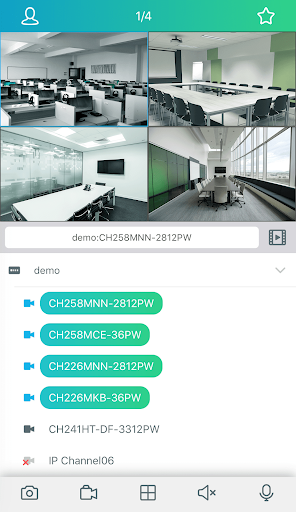
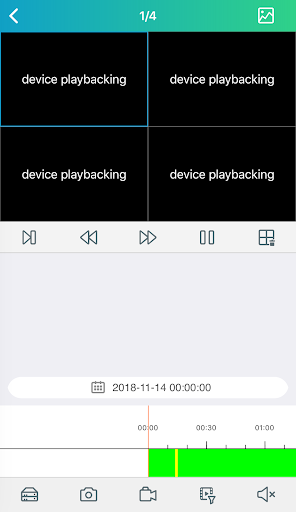
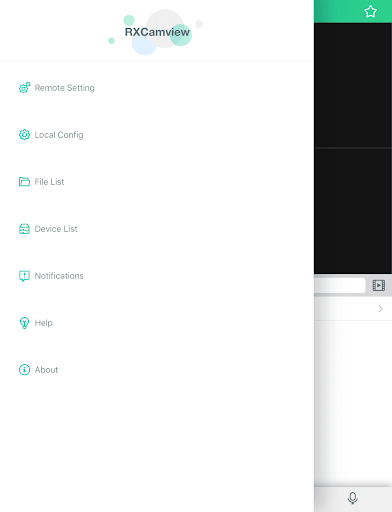
Click to download now, finish the installation quickly, and directly unlock the all-round experience
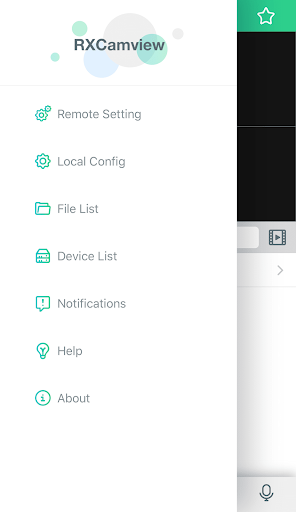
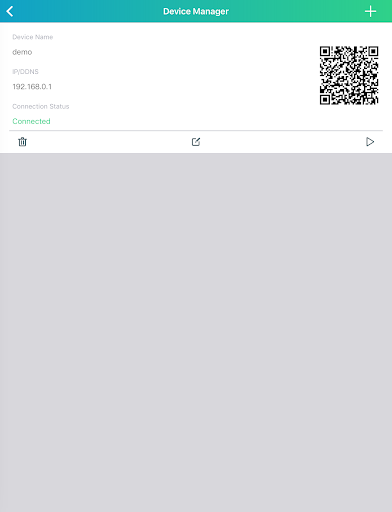
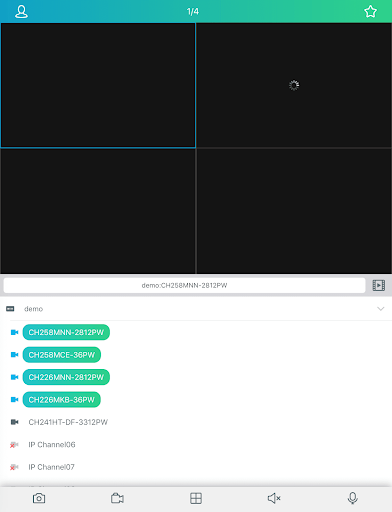
RXCamView lets you check live surveillance video and review recordings from a compatible NVR, DVR, IPC or other supported camera. It suits people responsible for a site who want to check a feed or look back at an event when they are away. The app is a viewing and control companion; it needs a supported camera system to provide video.
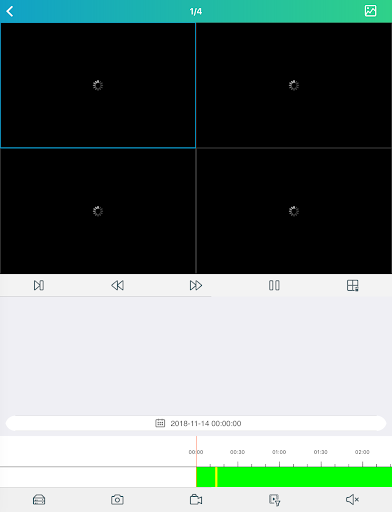
Alongside live viewing, you can play back earlier footage, receive alarm messages and use two-way audio to speak with someone near the camera. If the connected camera supports AI, the app can search recordings using a face photo. That search is conditional on the camera’s capabilities, not a feature to expect from every setup.
Detection alerts can cover motion, people or sound, depending on the connected equipment. You can adjust detection areas and sensitivity, and set schedules for recording and alarm notifications. Those options help tailor what the system flags and when it sends messages, but they also mean the experience depends on getting the camera and alert settings configured for the site.
RXCamView is published by ZhangHao in the Business category. It has more than 1,000,000 installs and a 3.48 out of 5 rating from 15,354 ratings. Those figures indicate broad use, but do not tell you whether it will work with a particular camera: check that your surveillance equipment supports the app before relying on it for monitoring.