
Calendly: Meeting Scheduling
Calendly LLC
Downloads
1,000,000+
Source
Google Play
Advertisement
Click to download now, finish the installation quickly, and directly unlock the all-round experience
Advertisement
Screenshots
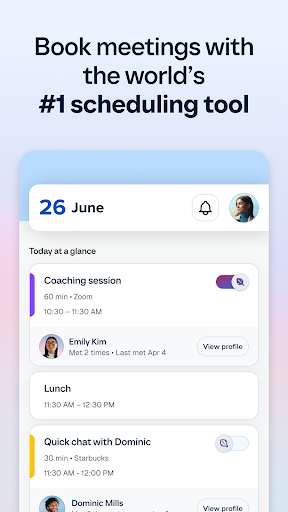
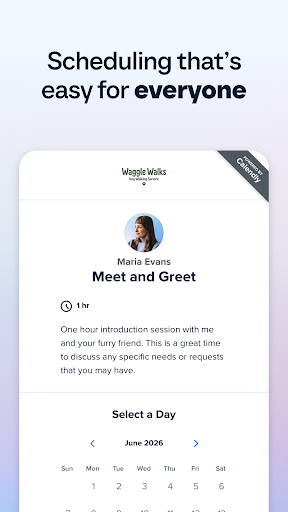

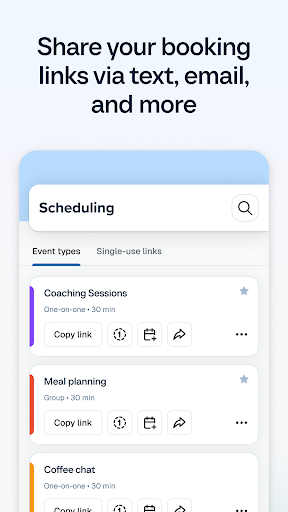
Click to download now, finish the installation quickly, and directly unlock the all-round experience
Calendly helps you arrange meetings without trading a string of messages to find a free slot. You set when you are available, share a scheduling link, and let the other person choose from the times offered. The meeting is then added to your calendar. It suits people who book appointments or work calls regularly and are comfortable letting others choose from their stated availability.
The app is most useful when connected to a calendar service, such as Google, Outlook, Office 365 or iCloud. Calendly uses that connection to check availability and avoid putting a meeting over an existing event. You can also set rules such as gaps between meetings or limits on how soon someone can book. Your scheduling link can be copied into a message or another app; the other person still needs to open it and pick a time.
Calendly supports one-to-one meetings as well as round-robin and collective scheduling, so it can handle more than a single person’s diary. It also connects with services including Zoom and Google Meet. Those integrations can make scheduling part of a wider work routine, but the app’s central job remains coordinating a time—not replacing your calendar or conducting the meeting itself.
Calendly is a practical fit if you often send availability to clients, colleagues or other contacts. It is less relevant if you rarely schedule with people outside your own calendar. The Android app is published by Calendly LLC and has more than 1,000,000 installs. Its rating is about 4.65 out of 5, based on 19,524 ratings—useful context, though ratings do not say whether its setup and integrations suit your particular workflow.