Documents, sheets and slides on Android
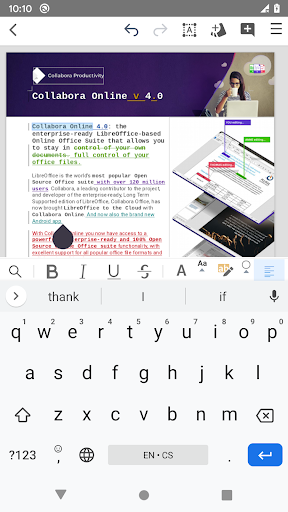
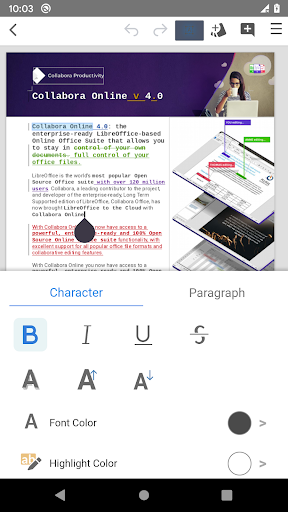
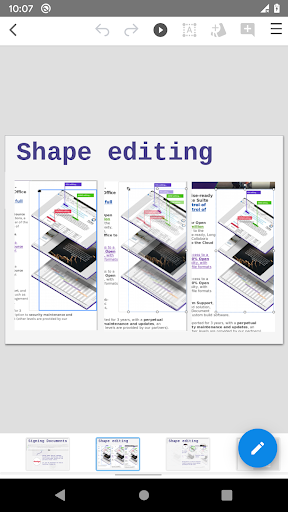
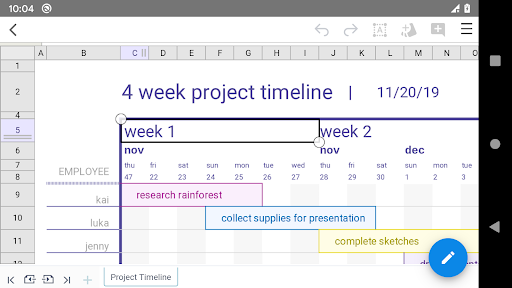
Collabora Office is for opening and editing text documents, spreadsheets and presentations on an Android device. It uses the LibreOffice engine, so it will be familiar territory if you already work with LibreOffice on a computer. It suits people who need to read or make changes to office files away from a desk, rather than an app used only to view documents.
File support, with a caveat
The app reads and saves OpenDocument files, including ODT, ODS and ODP, as well as Microsoft Office formats such as DOCX, XLSX and PPTX. It also lists older DOC, XLS and PPT files. That range makes it useful when a file comes from different office suites, but supported formats do not guarantee that every document will look or behave exactly as it did in the program that created it. For complex work, check the result before sharing it.
What using it asks of you
This is a full office suite adapted for Android, not a promise that editing a long report or detailed spreadsheet will feel as easy as on a larger screen. It is best suited to reviewing files and making practical edits on the go; extensive formatting or data work may be more comfortable on a computer. Collabora says the Android app is in active development and invites bug reports. Its issue tracker is public, so anything submitted there can be seen by others.
How established is it?
Collabora Productivity Limited is the developer. The listing shows a 3.7 rating from 17,887 ratings and more than 1 million installs. Those figures suggest a widely used app, but they do not tell you whether it will handle your particular files smoothly. If reliable formatting matters, test it with the documents you actually use.