Moving an iTunes library to Android
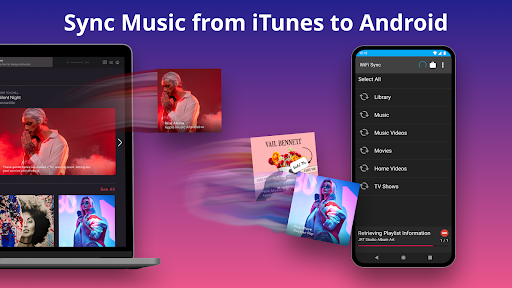
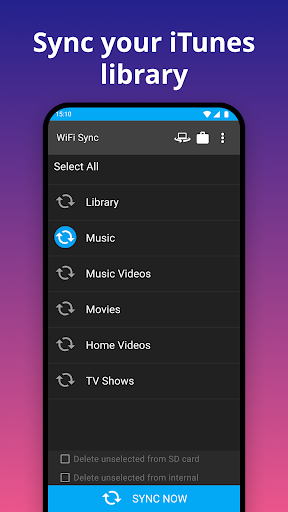
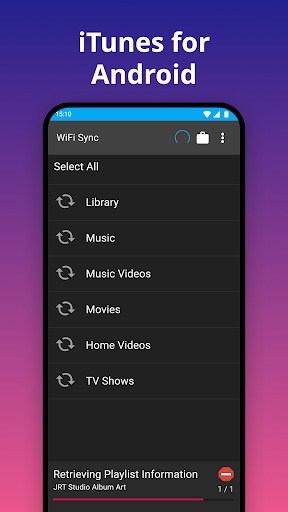
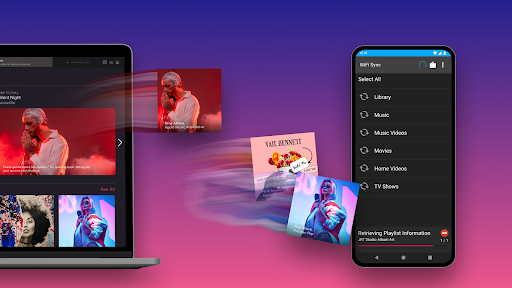
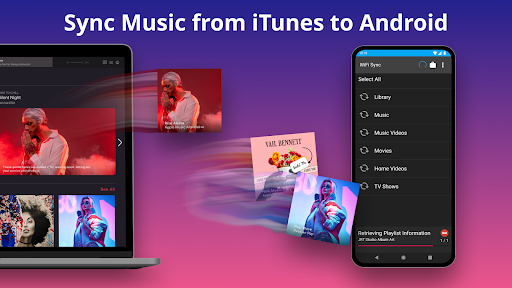
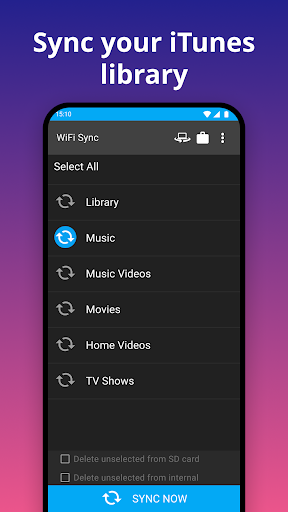
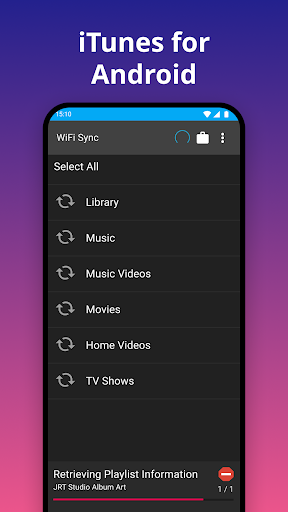
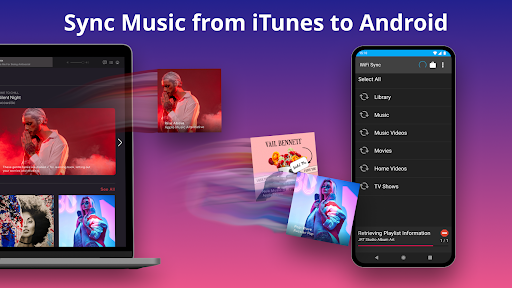
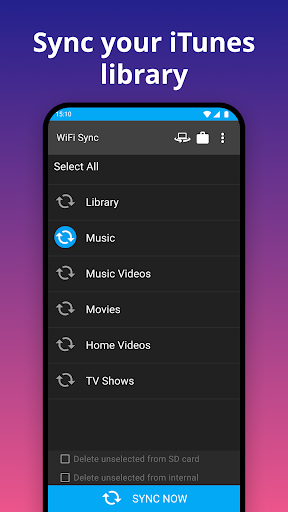
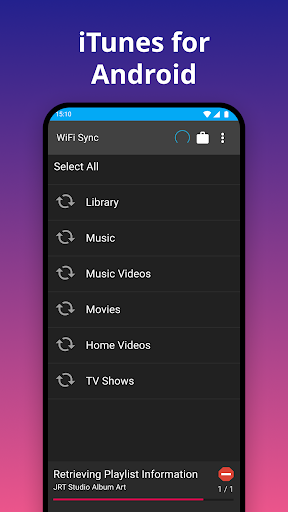
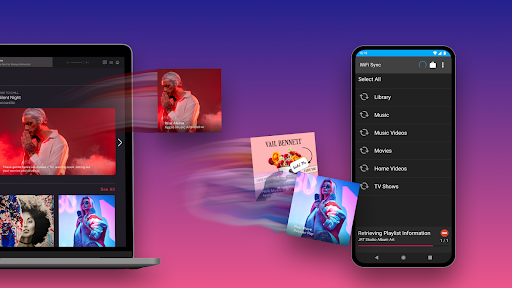
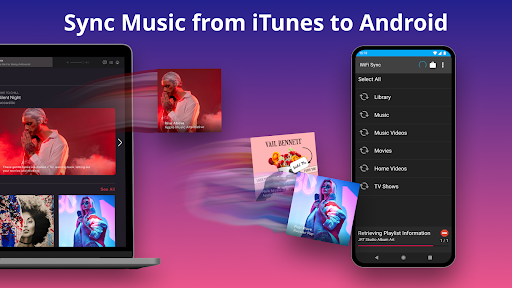
iSyncr transfers music and other supported iTunes library content from a Windows PC or Mac to an Android device. It is for people who already organize their listening in iTunes and want to keep using that library on a phone or tablet, rather than rebuild playlists by hand. The app can place synced files in internal or SD card storage.
What comes across
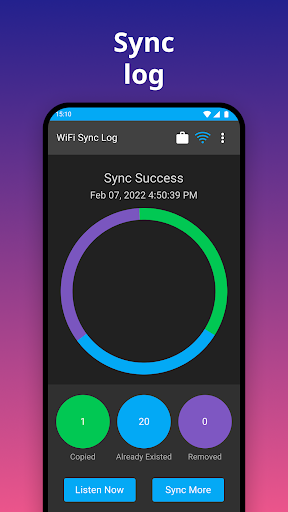
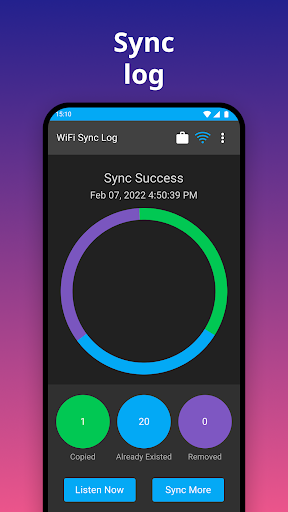
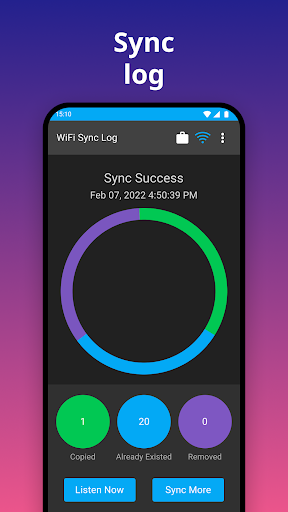
Along with music and playlists, iSyncr can carry song details such as album artwork, ratings, play counts, and listening history, including when a track was last played or skipped. It also supports podcasts and videos that are not copy-protected. iTunes content protected by DRM does not sync; the app can flag that content so it is not mistaken for a transfer problem.
What you need to use it
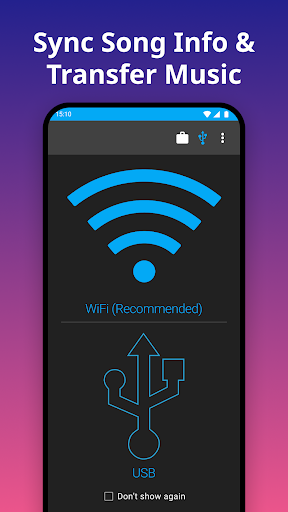
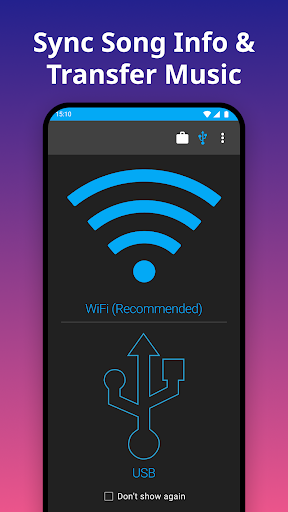
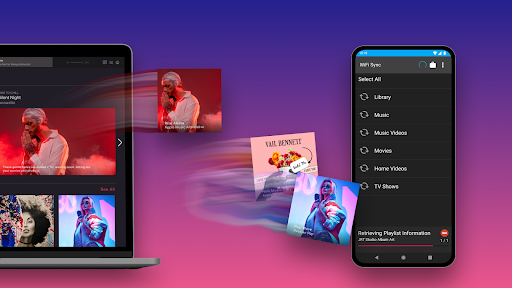
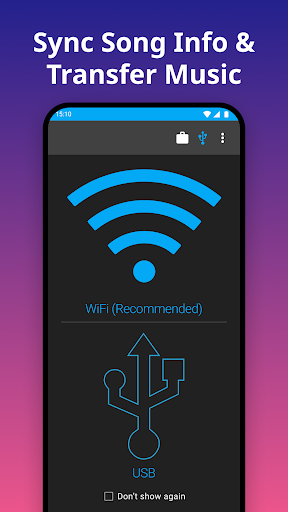
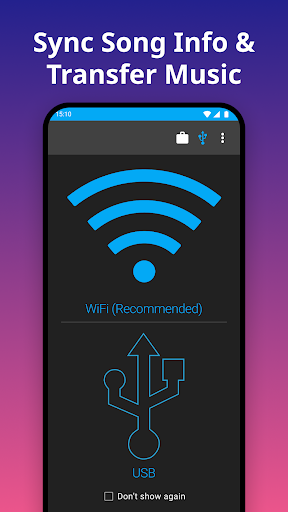
This is not a phone-only transfer tool. Syncing requires iSyncr Desktop on the computer and iTunes for Windows or a supported Mac setup. Transfers can use a USB connection or Wi-Fi. The free version is limited to 100 songs per playlist and one playlist at a time; unlimited syncing is available as an in-app purchase. If you do not keep an iTunes library on a computer, or want a way to move copy-protected purchases, this is unlikely to fit.
What the numbers suggest
iSyncr is published by JRT Studio Music Players in the Music & Audio category. Its rating is about 4.15 out of 5 from 22,113 ratings, with more than 5 million installs. Those figures show substantial use, but the practical question is whether your library depends on iTunes and whether the desktop requirement and free-tier playlist cap suit the way you sync.